Last Updated: May 2023
You can manage your company profile at Administration. You will find that there are details already added when your profile was created, and you can add further details about your company.
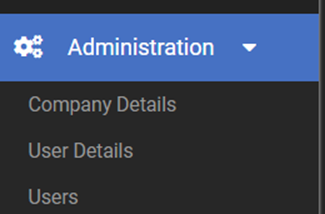
Step 1 To access your company profile, select Administration_Company Details at the left hand menu.
Step 2 Select Edit at the top right to edit and/or add details.
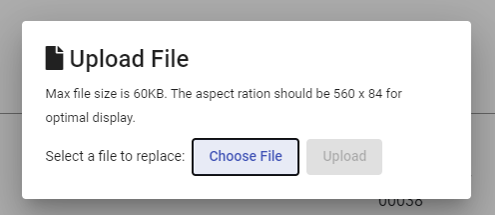
Step 3 You can add your company logo which will be shown on all reporting. Make note of the aspect ratio and size of the file for best results.
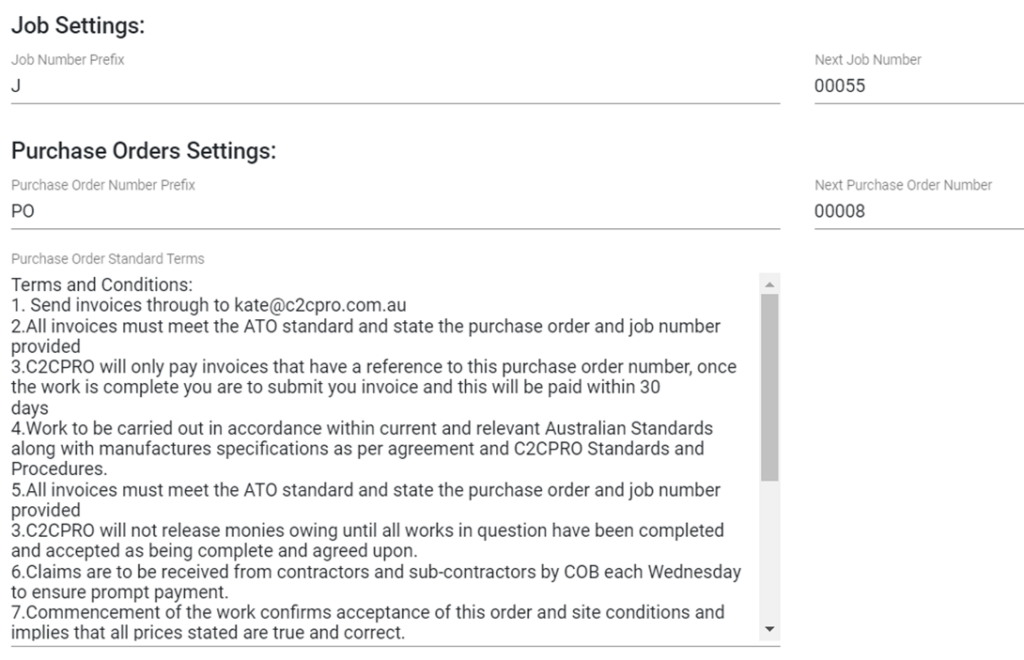
Step 4 Job settings are managed here, where you can change the Job number prefix, Job number order, Purchase Orders settings, and the terms and conditions for Purchase Orders. Simply type or paste your text in the text box to add the terms and conditions.
Still Need Help? Please contact the team at C2CPRO via email at admin@c2cpro.com.au or book a call to schedule a dedicated time with one of the team.