Last Updated: May 2023
Documents is a folder structure that is automatically set up when a new Job is created.
Documents can be dragged and dropped into the folder and can be previewed or downloaded.
You can add or remove folders as you choose, and you can also edit the permissions for access to the folders. Only the head folder can have Permissions applied.
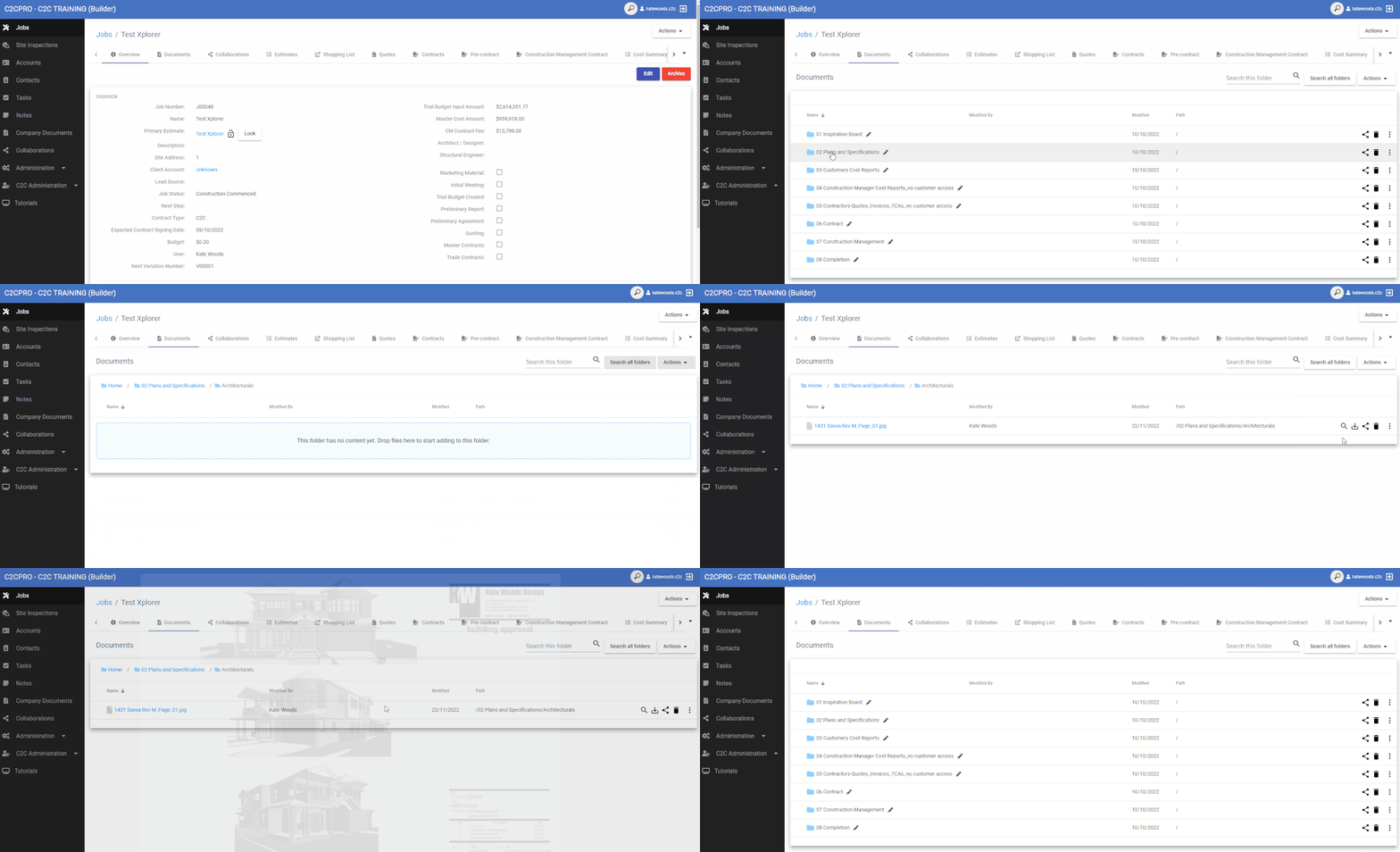
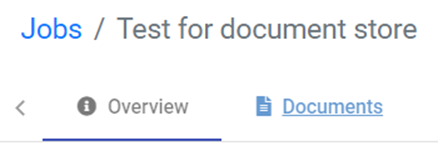
Step 1 Access Documents
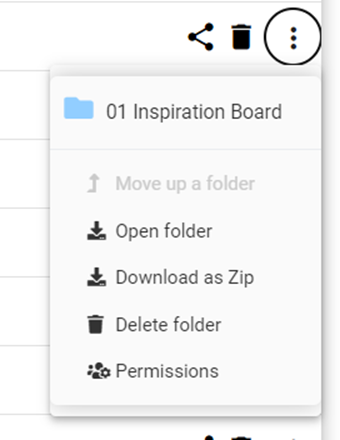
Step 2 Select the three dots menu to the right to view the options. Refer Permissions tutorial to manage access for other users.
Still Need Help? Please contact the team at C2CPRO via email at admin@c2cpro.com.au or book a call to schedule a dedicated time with one of the team.