Last updated: May 2023
There are Pricelists already loaded into C2CPRO, which allows you to start a new project striaght away, without the need for having to set up a pricing database.
As a user of C2CPRO, you can create your own price list using the C2CPRO pricelist templates, or by duplicating the default pricelist and editing to suit your rates.
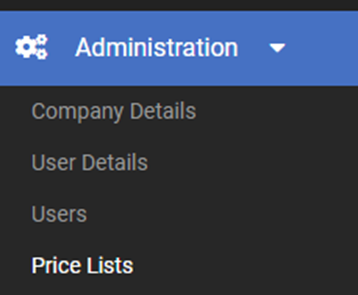
Step 1 At Administration in the left menu, access Pricelists.
Step 2 Select the Pricelist you wish to duplicate.
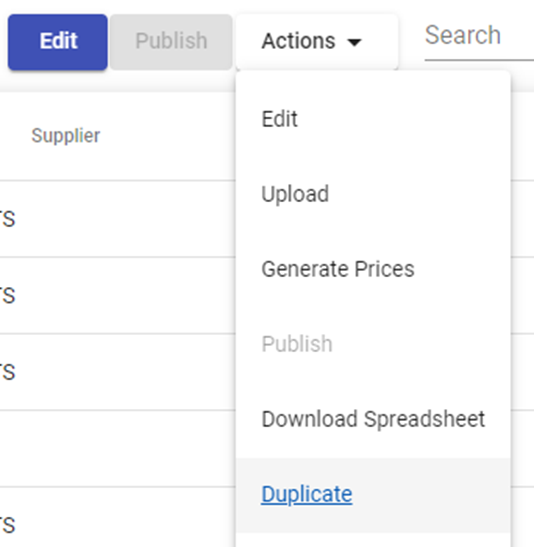
Step 3 Select the Actions dropdown menu and select Duplicate.
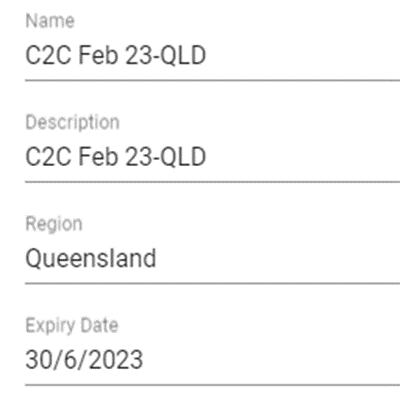
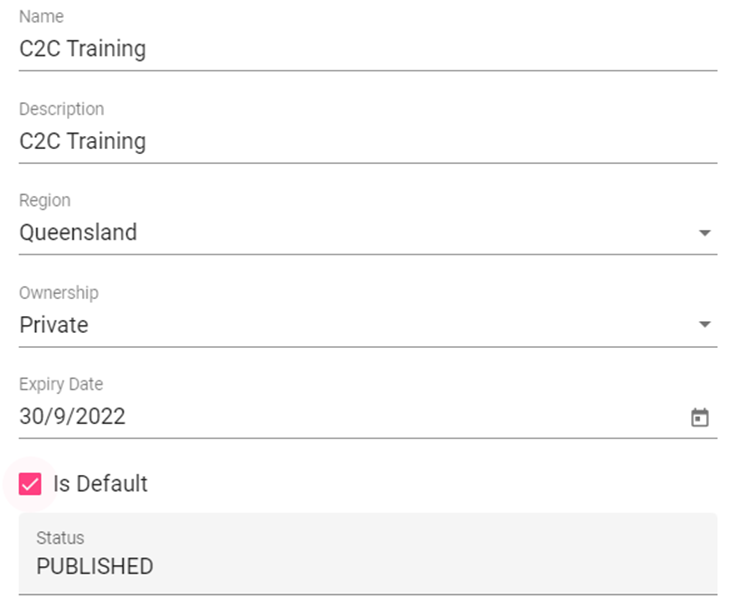
Step 4 Rename the Name of the Pricelist, and add a Description. Then select the date for expiry, as this will show on your cost reports. Save.
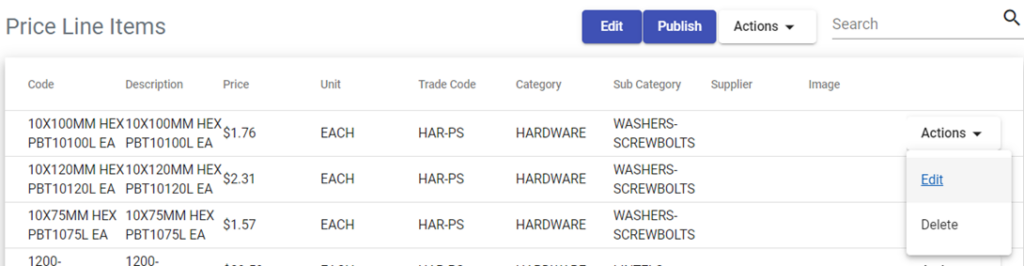
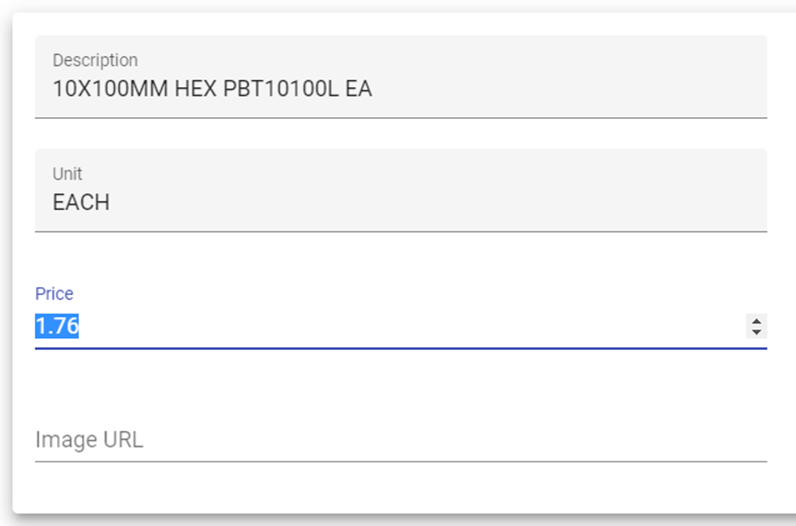
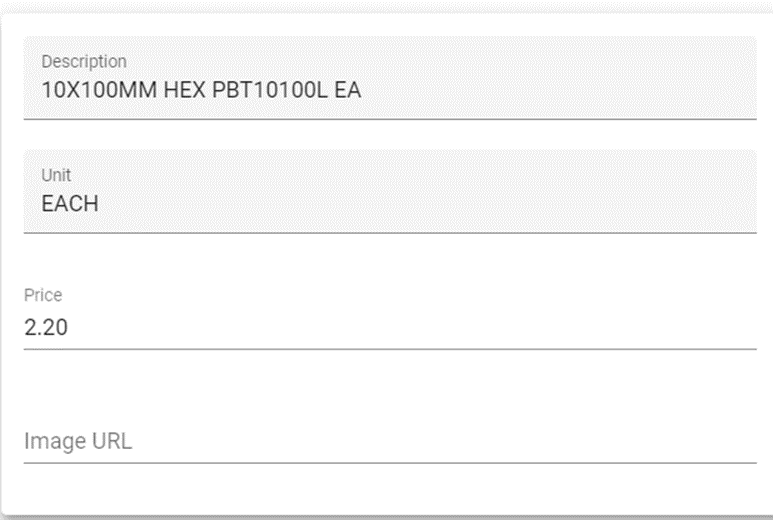
Step 5 To edit a line item in the Pricelist, select the Actions dropdown menu and select Edit
Step 6 Change the price as required. Save.
Step 7 To change multiple items in the Pricelist you can download a spreadsheet of all line items and edit and then upload back into C2CPRO.
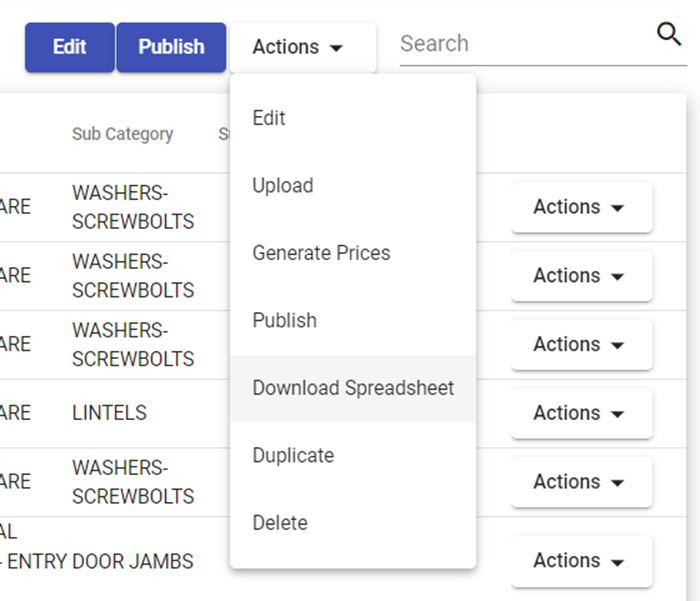
At the Actions dropdown menu at the top select Download Spreadsheet. Access the spreadsheet from the downloads bar.
You will note the Category column is the Trade Areas from the Master Cost Assembly, which will make it easier to navigate the spreadsheet when editing.
Only the Value column is to be edited, leave the other columns as is.
Step 8 Select a cell to change the Value.

Step 9 When complete, save the spreadsheet to your computer and close the file.
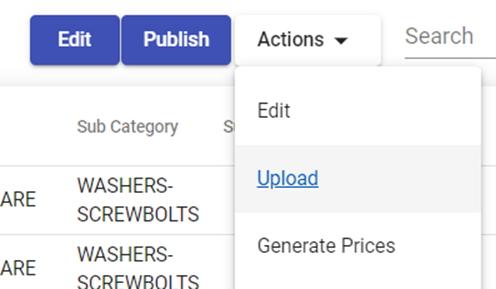
Step 10 In C2CPRO access the Actions drop down menu again, and select Upload.
Step 11 Drag and drop the saved spreadsheet, or Browse and select from your files. Select Upload.
Step 12 Select Publish to change the Status from Draft to Published.

Step 13 Select Edit to check the Status, if the Pricelist is set to Private, and check Default if you wish it to be the Default Pricelist. Save.
Still Need Help? Please contact the team at C2CPRO via email at admin@c2cpro.com.au or book a call to schedule a dedicated time with one of the team.