Last Updated: July 2023
Rather than creating an invoice for a claim amount that would normally be deposited to the builder’s bank account, a Drawdown Request will be created. This will request a claim amount to be deposited to the Joint Security Account set up between the builder and the project owner.
To begin, the Job Status is to be updated to Construction Commenced and the Joint Security Account Details are to be added at the Job Overview.
Step 1 Select the Job and at Job Overview select Edit. At the lower section of the Job Overview. Add the details. Save.

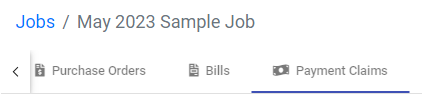
Step 2 Select Payment Claims from the ribbon at the top.
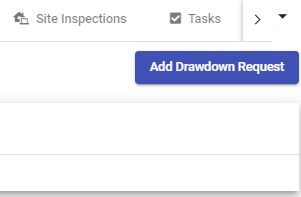
Step 3 Select Add Drawdown Request.
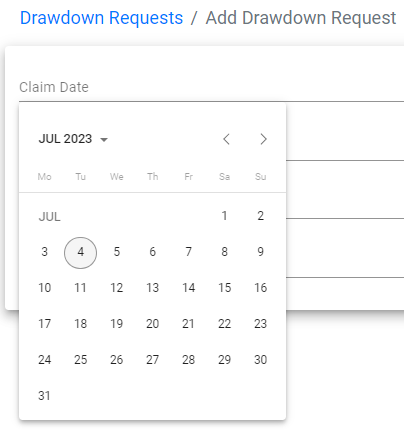
Step 4 Add the Claim Date.
Step 5 At Stage Reached, select the Claim Stage that has been created at the Cashflow Schedule. You will note that the Stage Claim amount form the Cashflow Schedule will automatically be applied. Save.
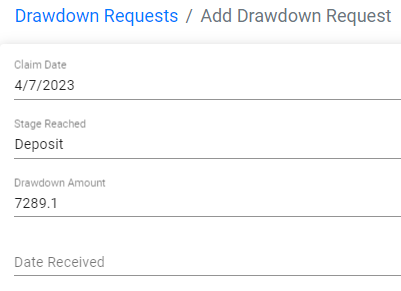
Step 6 You can also add a manual/custom Claim Stage and Amount, which can be used when claiming a Variation Sum.
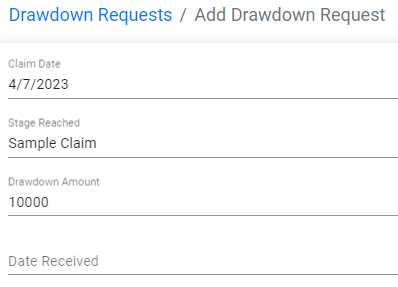
Step 7 A list will be shown at Drawdown Request, double click the Drawdown Request required to access.

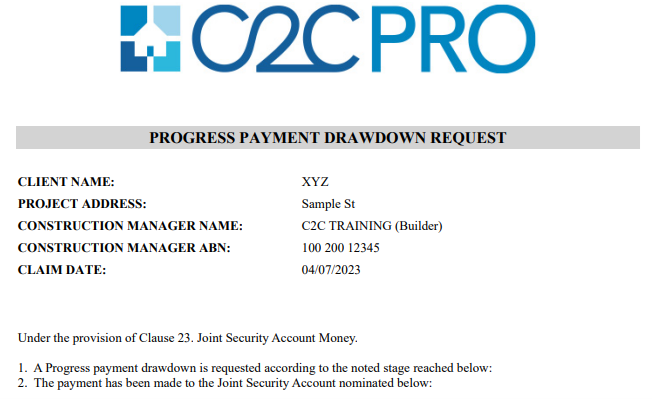
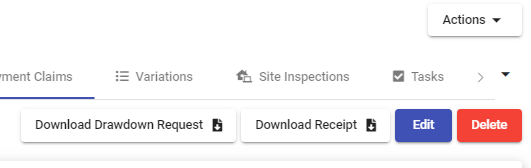
Step 8 Select Download Drawdown Request to download a PDF to present to the project owner to claim the Drawdown Request.
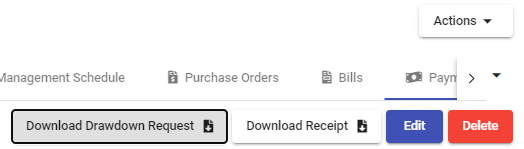
Step 9 Access the PDF in the Downloads folder on your computer.
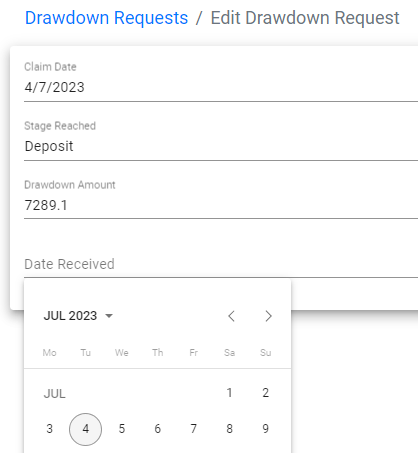
Step 10 When the funds have been deposited to the Joint Security Account, access the relevant Drawdown Request, Edit, and add the Date Received. Save.
Step 11 A receipt can be provided to the project owner, by selecting Download Receipt. Access the PDF from the Downloads folder on your computer.
Still Need Help? Please contact the team at C2CPRO via email at admin@c2cpro.com.au or book a call to schedule a dedicated time with one of the team.