Last Updated: May 2023
Accounts is a part of setting up your company profile. This is where you add sub-contractors you use, along with suppliers, consultants and clients you work with.
Modules within C2CPRO rely on details from Accounts, and you will find you will be prompted to create or use an Account when carrying out a task.
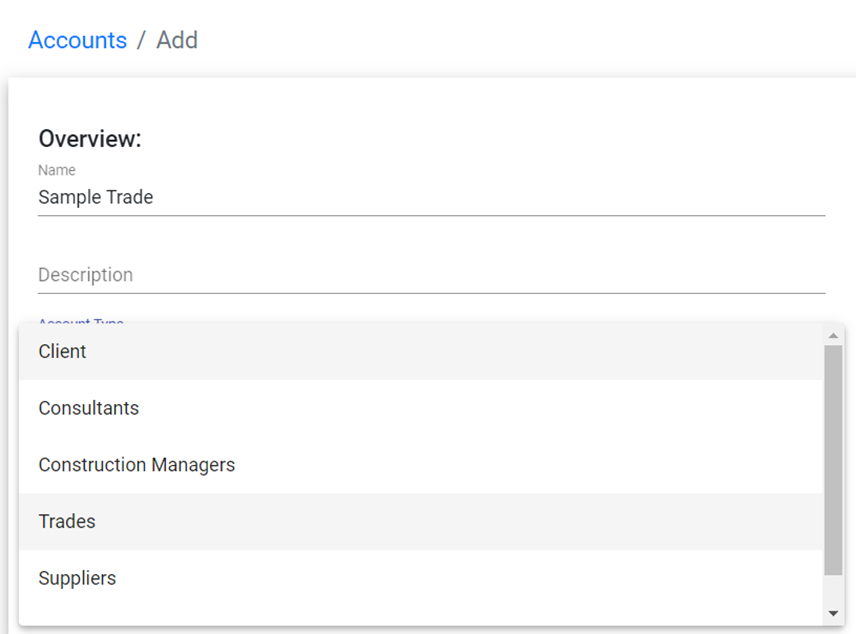
There are 5 types of Accounts:
- Trade – a sub contractor used for labour
- Supplier – those who provide supply items, like a timber merchant
- Client – a customer to your company
- Consultant – like an engineer, certifier or designer
- Construction Manager – this is you!
Trade and Supplier Accounts
Trade and supplier accounts are integral in using C2CPRO as these details are used in the following components:
- Quotes
- Contracts
- Payment Claims
- Invoices
- Variations
- Purchase Orders
- Project Management Schedule
The data applied to each trade and supplier is reflected in these components, in order to allocate quotes, bills, variations against the correct Trade Code which will then reflect in the Payment Claims.
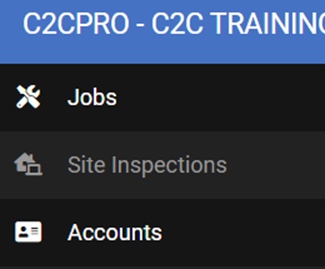
Step 1 To add a new Account select Accounts at the left hand menu.
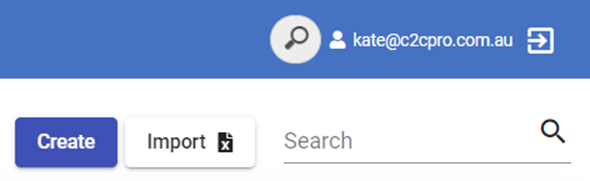
Step 2 Select Create at the top right.
Step 3 Enter the details of the Trade or Supplier. At Account Type, select Trades (for this example).
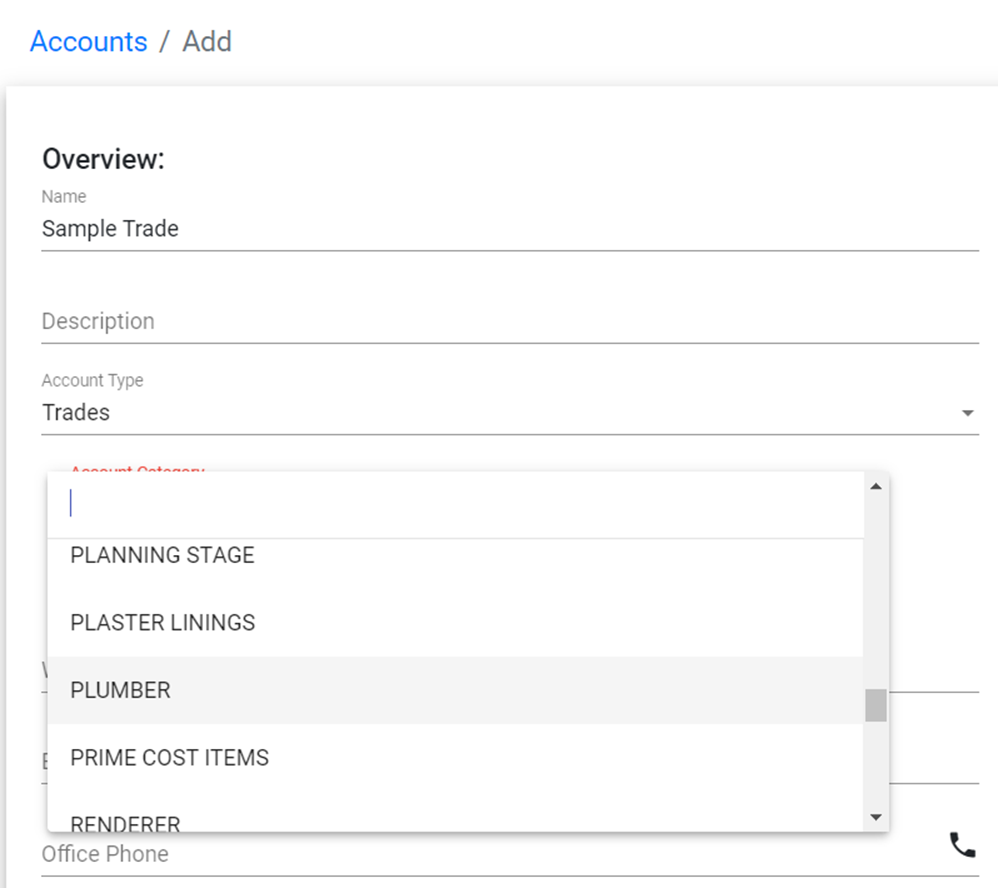
Step 4 Once selected, you will note the Account Category come up. You can add multiple Account Categories, as, for example, a Plumber will have Drainer, Plumber and Gas as their Account Category. Search for the appropriate options and select.
Step 5 Continue to add relevant details.
It’s important to add the bank details of the trade or supplier, as when Payment Claims are made, the bank details are added to the payment schedule.
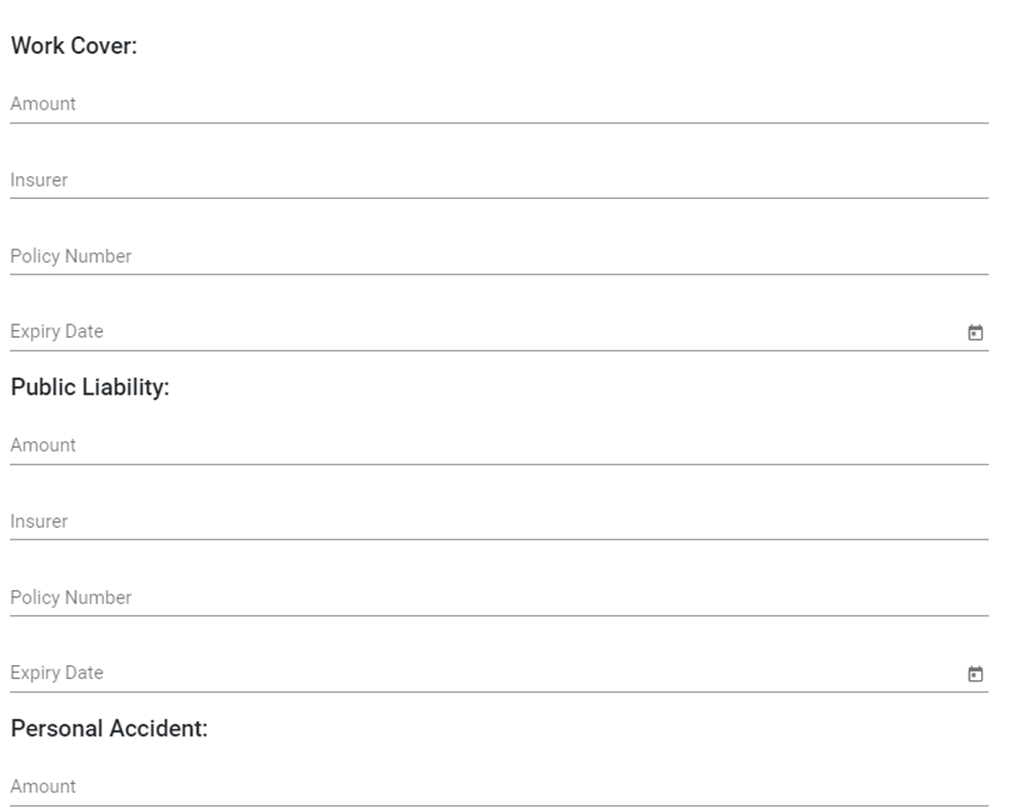
Step 6 Add the trade’s insurance details. Retrieve these from the trade and add to their Account information. This information will be reflected when creating Trade Contract Agreements. Once all information is filled out, click Save.
Download this template to send to your trades and suppliers to retrieve their information for the Trade Contract Agreements to be entered at Accounts.
Other Accounts
When creating an account for Client, Consultant and Construction Managers, you will note that the Subcategory and Trade Code options aren’t there, which isn’t necessary for the modules. Create the Account as per the Trade Account, without the need of an Account Category.
Still Need Help? Please contact the team at C2CPRO via email at admin@c2cpro.com.au or book a call to schedule a dedicated time with one of the team.